- Why You Need Time Tracking Software
- Key Features to Look for in Time Tracking Software
- 1. Automatic Time Capture
- 2. Project and Task Management
- 3. Reporting and Analytics
- 4. Integration with Other Tools
- 5. User-Friendly Interface and Mobile Access
- Best Must-Have Time Tracking Software for Effortless Productivity
- Toggl Track
- RescueTime
- Harvest
- Clockify
- Hubstaff
- Best Practices to Maximize Your Time Tracking Software
- Conclusion
Time Tracking Software: Best Must-Have Tools for Effortless Productivity
In today’s fast-paced work environment, time tracking software has become an essential asset for individuals and businesses aiming to boost productivity and manage their time effectively. Whether you’re a freelancer balancing multiple clients, a remote team leader coordinating projects, or a corporate manager overseeing tight deadlines, using the right time tracking tools can transform how work gets done. By providing insights into how time is spent, these applications can help eliminate distractions, optimize workflows, and ensure projects are completed efficiently.
Why You Need Time Tracking Software
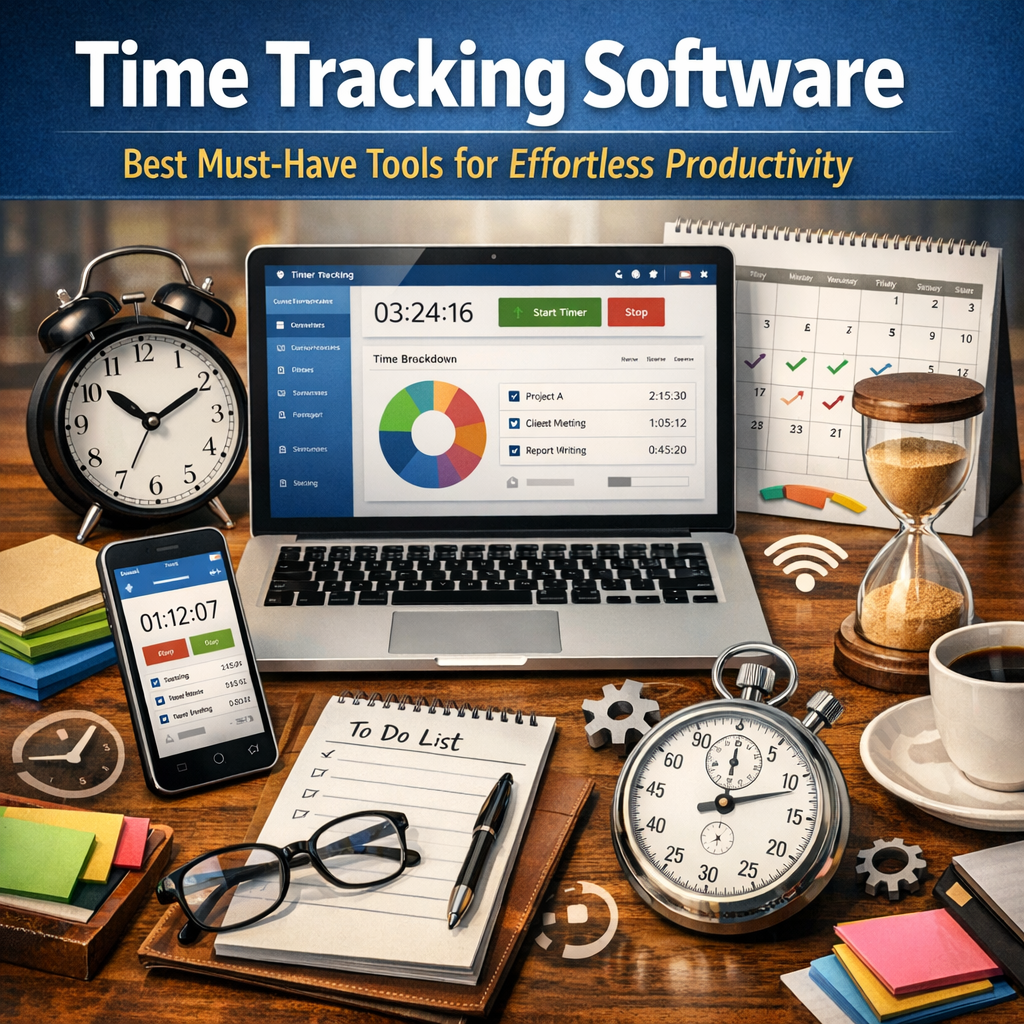
Time tracking software isn’t just about clocking hours; it’s a comprehensive way to understand work patterns, identify productivity bottlenecks, and improve resource allocation. Without proper time management, even skilled professionals may struggle to meet deadlines or juggle competing duties. Tracking time promotes accountability and transparency, allowing teams to communicate better and plan realistic schedules.
Moreover, for billable work, accurate timesheets ensure clients are billed correctly and projects stay within budget. Individual freelancers benefit by understanding how much time various tasks actually require, enabling smarter quoting and pacing of workloads. The key is to select tools that fit your unique needs without adding unnecessary complexity.
Key Features to Look for in Time Tracking Software
When evaluating the best time tracking software, it’s important to select tools that offer a balance of functionality, ease of use, and integration capabilities. Here are the must-have features to consider:
1. Automatic Time Capture
Manual entry can become tedious and prone to errors. Many advanced apps now offer automatic time tracking that detects when you start and stop working on specific applications or websites. This feature ensures accuracy with minimal effort.
2. Project and Task Management
The best tools allow you to break down your work by projects or specific tasks. This granular approach makes it easier to analyze which activities consume the most time and prioritize accordingly.
3. Reporting and Analytics
Insightful dashboards and customizable reports help you understand productivity trends. Features such as visual time distribution charts and work pattern analyses empower managers and freelancers to make data-driven decisions.
4. Integration with Other Tools
Seamless integration with popular project management, invoicing, and communication platforms like Trello, Asana, Slack, and QuickBooks can streamline workflows and reduce duplication of effort.
5. User-Friendly Interface and Mobile Access
No one wants to struggle with complicated software. Look for intuitive designs and mobile apps that allow you to track time on the go, especially if your work isn’t confined to a desk.
Best Must-Have Time Tracking Software for Effortless Productivity
Here is a rundown of some of the most popular and effective time tracking software that meet these criteria:
Toggl Track
Toggl Track’s simplicity and powerful features make it a favorite among freelancers and teams. It offers effortless one-click time tracking, project tagging, and detailed reports. Toggl also supports offline mode and integrates well with tools like Asana and Jira.
RescueTime
RescueTime focuses on automatic tracking by analyzing how you spend time on websites and applications. Its productivity scores and detailed daily summaries help users identify distractions and build better habits.
Harvest
Harvest is a comprehensive solution combining time tracking with invoicing and expense management. It’s ideal for businesses that want to streamline billing alongside project tracking. Harvest’s reporting features provide transparency for both team members and clients.
Clockify
Clockify stands out as a free, feature-rich platform perfect for teams of all sizes. It supports manual and automatic tracking, offers comprehensive analytics, and integrates with tools like Slack and Trello, making it a versatile choice for boosting productivity.
Hubstaff
Hubstaff is tailored for remote teams and includes GPS tracking, productivity monitoring, and payroll features. Its screenshot capture and activity levels can enhance remote work transparency and foster accountability.
Best Practices to Maximize Your Time Tracking Software
Having the right software is only half the battle. To truly enjoy effortless productivity, apply these best practices:
1. Set Clear Goals: Define what you want to achieve with tracking time, be it cutting down distractions or improving billing accuracy.
2. Track Consistently: Use the tool regularly without skipping sessions to build a reliable data set.
3. Analyze Weekly: Review reports weekly to identify trends or problematic activities and adjust workflows accordingly.
4. Communicate with Your Team: Share insights and encourage collaborative time management for better team alignment.
5. Avoid Micromanagement: Use time tracking as a support tool, not a stress-inducing surveillance system.
Conclusion
Integrating a robust time tracking software into your daily routine can revolutionize how you manage work hours and deliver projects. By choosing software with key features like automation, detailed reporting, and cross-platform accessibility, you pave the way toward enhanced productivity and informed decision-making. Remember that consistency and thoughtful implementation are key—when leveraged correctly, time tracking becomes a powerful foundation for personal and organizational success without the usual hassle. Whether you’re aiming to refine your own workflow or lead a dynamic team, these must-have tools are your ticket to effortless productivity.