- Why Online Collaboration Tools Are Essential for Teams
- Types of Online Collaboration Tools for Teams
- 1. Communication Platforms
- 2. Project Management Software
- 3. File Sharing and Document Collaboration
- 4. Whiteboarding and Brainstorming Tools
- How to Choose the Best Online Collaboration Tools for Your Team
- Assess Your Team's Needs
- Consider Integration and Compatibility
- Evaluate Ease of Use and Scalability
- Review Security and Compliance
- Test Before Committing
- Best Practices for Maximizing the Value of Online Collaboration Tools
- Conclusion
Online Collaboration Tools: Must-Have, Best Solutions for Teams
In today’s fast-paced, digital world, online collaboration tools have become essential for teams striving to work efficiently, communicate clearly, and achieve ambitious goals together regardless of physical location. Whether your team is fully remote, hybrid, or in an office setting, utilizing the right collaboration software can transform how ideas flow, projects are managed, and deadlines are met. This article explores why these tools are indispensable and highlights some of the best solutions that teams can integrate to enhance productivity and teamwork.
Why Online Collaboration Tools Are Essential for Teams
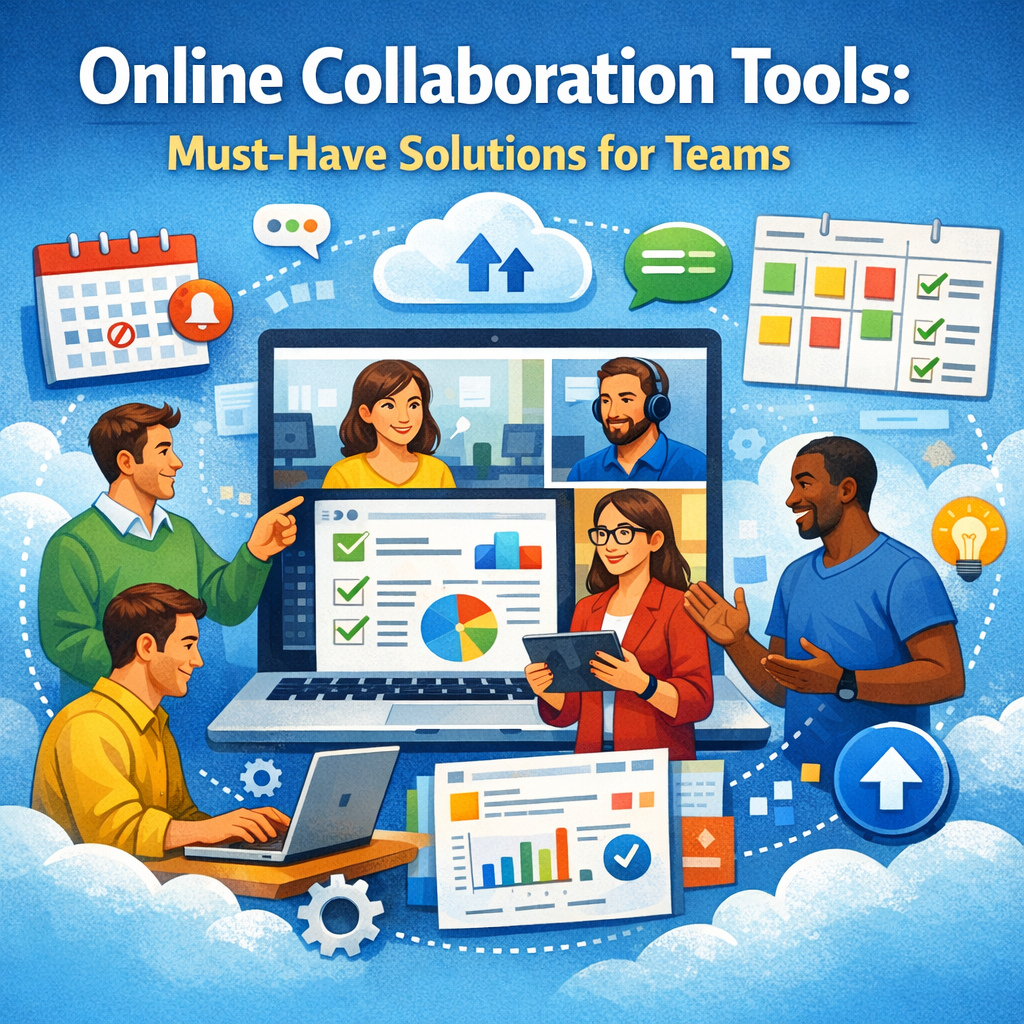
Before diving into the top tools, it’s important to understand why online collaboration software is no longer just a convenience but a necessity. With the rise of remote work and increasingly distributed teams, traditional face-to-face interactions have been replaced by virtual meetings, instant messaging, and document sharing across multiple time zones.
Online collaboration tools allow teams to:
– Centralize communication: Avoid email overload by keeping conversations in dedicated channels or threads.
– Improve transparency and accountability: Everyone has visibility into project progress and individual responsibilities.
– Enhance productivity: Automation, integrations, and easy access to documents help streamline workflows.
– Foster creativity and innovation: Real-time brainstorming and collaboration spark new ideas and solutions.
– Support flexible work environments: Enable employees to contribute from anywhere at any time without missing a beat.
These benefits make online collaboration tools critical in helping teams stay aligned, motivated, and effective in meeting their objectives.
Types of Online Collaboration Tools for Teams
Online collaboration spans a range of functionalities. Choosing the right combination depends on your team’s specific needs, size, and workflow. Here are the main categories:
1. Communication Platforms
These tools focus on messaging and video conferencing, replacing or supplementing traditional email.
– Slack: A popular messaging app offering channels for different topics, direct messages, and robust integrations.
– Microsoft Teams: Combines chat, video meetings, file storage, and Office 365 integration.
– Zoom: Focuses on video conferencing and webinar capabilities with features like breakout rooms.
2. Project Management Software
For organizing tasks, deadlines, and project milestones in a visually manageable way.
– Trello: Uses boards and cards to track progress in a simple, intuitive format.
– Asana: Offers detailed task assignments, timelines, and reporting tools.
– Monday.com: Highly customizable with automation features to streamline workflows.
3. File Sharing and Document Collaboration
Allow multiple users to work simultaneously on documents, presentations, and spreadsheets.
– Google Workspace: Docs, Sheets, and Slides enable real-time editing and commenting.
– Dropbox Paper: Combines document creation and task tracking.
– Box: Focuses on secure file storage with collaboration features.
4. Whiteboarding and Brainstorming Tools
Help teams visualize ideas and collaborate interactively.
– Miro: An online whiteboard with sticky notes, diagrams, and templates.
– Microsoft Whiteboard: Seamlessly integrates with Teams for collaborative sketching.
– Jamboard: Google’s digital whiteboard for creative teamwork.
How to Choose the Best Online Collaboration Tools for Your Team
Selecting the most suitable tools requires a clear understanding of your team’s workflows, pain points, and goals. Here’s a step-by-step approach to help with that:
Assess Your Team’s Needs
Identify which collaboration challenges you want to solve first—is it communication, project tracking, file management, or brainstorming? Understanding priorities will guide you toward the right categories of tools.
Consider Integration and Compatibility
Look for tools that integrate well with existing software your team uses, such as CRM systems, email platforms, or cloud storage. This will reduce friction and improve user adoption.
Evaluate Ease of Use and Scalability
Choose platforms that offer intuitive interfaces to encourage widespread usage within the team. Also, consider whether the tool can scale alongside your team as it grows.
Review Security and Compliance
Protecting sensitive information is critical. Confirm that the tools comply with data protection regulations relevant to your industry and region.
Test Before Committing
Most collaboration tools offer free trials or freemium versions. Take advantage of these to get hands-on experience and gather feedback from your team members.
Best Practices for Maximizing the Value of Online Collaboration Tools
Even the best tools will fall short without thoughtful implementation. Here are some tips to optimize their effectiveness:
– Provide Training and Support: Make sure everyone knows how to use the tools properly.
– Set Clear Usage Guidelines: Define where discussions happen, how files are named, and deadlines tracked.
– Encourage Regular Updates: Keep project boards and chats current to prevent miscommunication.
– Promote a Collaborative Culture: Foster openness and responsiveness to seal collaboration success.
Conclusion
The rapid shift to digital workspaces has cemented online collaboration tools as fundamental for successful teamwork. By carefully selecting from the many communication, project management, document collaboration, and creative tools available, teams can overcome geographic boundaries, streamline processes, and boost innovation. When implemented effectively, these tools don’t just help accomplish tasks—they strengthen connections and create a more dynamic, engaged workforce ready to tackle any challenge ahead.