- Why Remote Work Tools Are Essential
- Must-Have Remote Work Tools for Communication
- 1. Video Conferencing Platforms
- 2. Instant Messaging Apps
- Project Management and Collaboration Solutions
- 3. Task and Project Management Software
- 4. File Sharing and Collaboration Tools
- Time Management and Productivity Enhancers
- 5. Time Tracking Software
- 6. Focus and Distraction Management Apps
- Security and IT Support Tools
- 7. VPN Services
- 8. Remote Desktop and IT Support Tools
- Implementing Remote Work Tools Strategically
- Conclusion
Remote Work Tools: Best Must-Have Solutions for Effortless Productivity
In today’s increasingly digital world, remote work has shifted from a niche arrangement to a mainstream way of doing business. To thrive in this environment, professionals need more than just a laptop and a steady internet connection—they require robust remote work tools that streamline collaboration, maintain productivity, and foster seamless communication. Selecting the right tools can dramatically improve workflow efficiency, reduce friction between team members, and make remote work feel much less disconnected.
This article explores the must-have solutions that help remote teams stay on top of their game, no matter where they’re located.
Why Remote Work Tools Are Essential
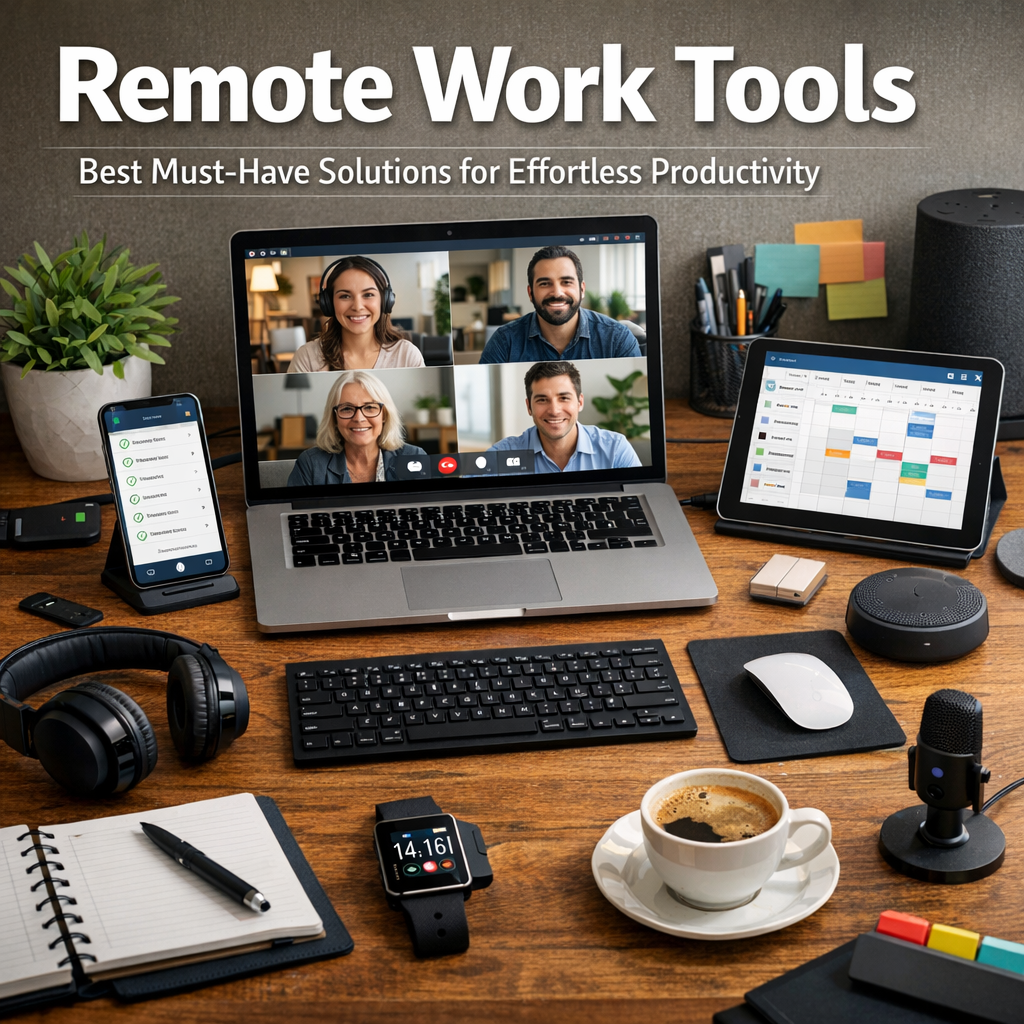
The rise of remote work demands purposeful strategies to manage projects, communicate effectively, and organize tasks. Unlike traditional office settings where you can simply drop by a colleague’s desk, remote work requires digital alternatives that accommodate flexibility while maintaining structure.
Effective remote work tools minimize common challenges like miscommunication, lack of accountability, and time zone differences. They provide centralized platforms where team members track progress, share ideas, and address issues in real-time. In this way, remote work becomes more predictable and manageable.
Must-Have Remote Work Tools for Communication
Smooth communication is the backbone of any successful remote team. Here are key tools that teams should consider:
1. Video Conferencing Platforms
Examples: Zoom, Microsoft Teams, Google Meet
Video calls replicate the face-to-face interaction missing in remote work. They help foster rapport, clarify tasks, and facilitate brainstorming sessions. Advanced features like screen sharing, breakout rooms, and recording enhance the effectiveness of virtual meetings.
2. Instant Messaging Apps
Examples: Slack, Discord, Microsoft Teams Chat
For quick questions, updates, and informal conversations, instant messaging apps are invaluable. They reduce email overload and keep team members connected throughout the day. Channels and threads allow teams to organize discussions by topic, making information easy to retrieve.
Project Management and Collaboration Solutions
Managing projects and workflows remotely requires tools that offer visibility and accountability across the team.
3. Task and Project Management Software
Examples: Trello, Asana, Monday.com
These platforms let users create, assign, and track tasks with deadlines and priorities. Visual boards, calendars, and progress charts help teams stay aligned, ensuring that everyone knows what to do and when it’s due.
4. File Sharing and Collaboration Tools
Examples: Google Drive, Dropbox, OneDrive
Remote work often involves sharing documents, spreadsheets, and presentations. Cloud-based storage solutions enable real-time collaboration on files, version control, and secure access from any device.
Time Management and Productivity Enhancers
Balancing flexibility with discipline is crucial when working remotely. The following tools help individuals manage their own productivity and contribute effectively to the team’s objectives.
5. Time Tracking Software
Examples: Toggl, Harvest, RescueTime
These tools help employees monitor how much time is spent on various tasks or projects. Time tracking promotes transparency in remote teams and supports better project planning and resource allocation.
6. Focus and Distraction Management Apps
Examples: Forest, Focus@Will, Freedom
Distractions can be more prevalent outside the office. These apps encourage dedicated work periods by blocking distracting websites or providing productivity-enhancing background music.
Security and IT Support Tools
Remote work introduces unique security challenges. Protecting company data and ensuring smooth IT operations are critical.
7. VPN Services
Examples: NordVPN, ExpressVPN, CyberGhost
Virtual Private Networks encrypt internet traffic, safeguarding sensitive information when employees access the company network from various locations.
8. Remote Desktop and IT Support Tools
Examples: TeamViewer, AnyDesk, Zoho Assist
These tools allow IT teams to troubleshoot remote devices quickly without requiring physical access, minimizing downtime.
Implementing Remote Work Tools Strategically
Choosing the right remote work tools involves aligning technology with your team’s specific workflows and culture. Overloading employees with too many platforms can cause frustration, so it’s wise to focus on tools that integrate well with each other and address your core needs.
Start with communication and project management as foundational elements, then layer on productivity and security tools gradually. Training and clear guidelines are essential to ensure consistent usage and to maximize the benefits of each tool.
Conclusion
Remote work continues to evolve as a dominant workplace model, requiring agile and effective solutions to support dispersed teams. By adopting carefully selected remote work tools, companies can create a connected, productive environment that transcends physical distance. From communication and project management to productivity and security, the right combination of tools empowers employees to deliver their best work effortlessly, wherever they are. Investing time in choosing and optimizing these solutions will pay dividends in collaboration, morale, and business success.